How to Buy Digital Gaming Products Safely on DunginX
A buyer-first guide to reviewing listings, checking region and quantity, staying on-platform, and handling digital delivery safely.
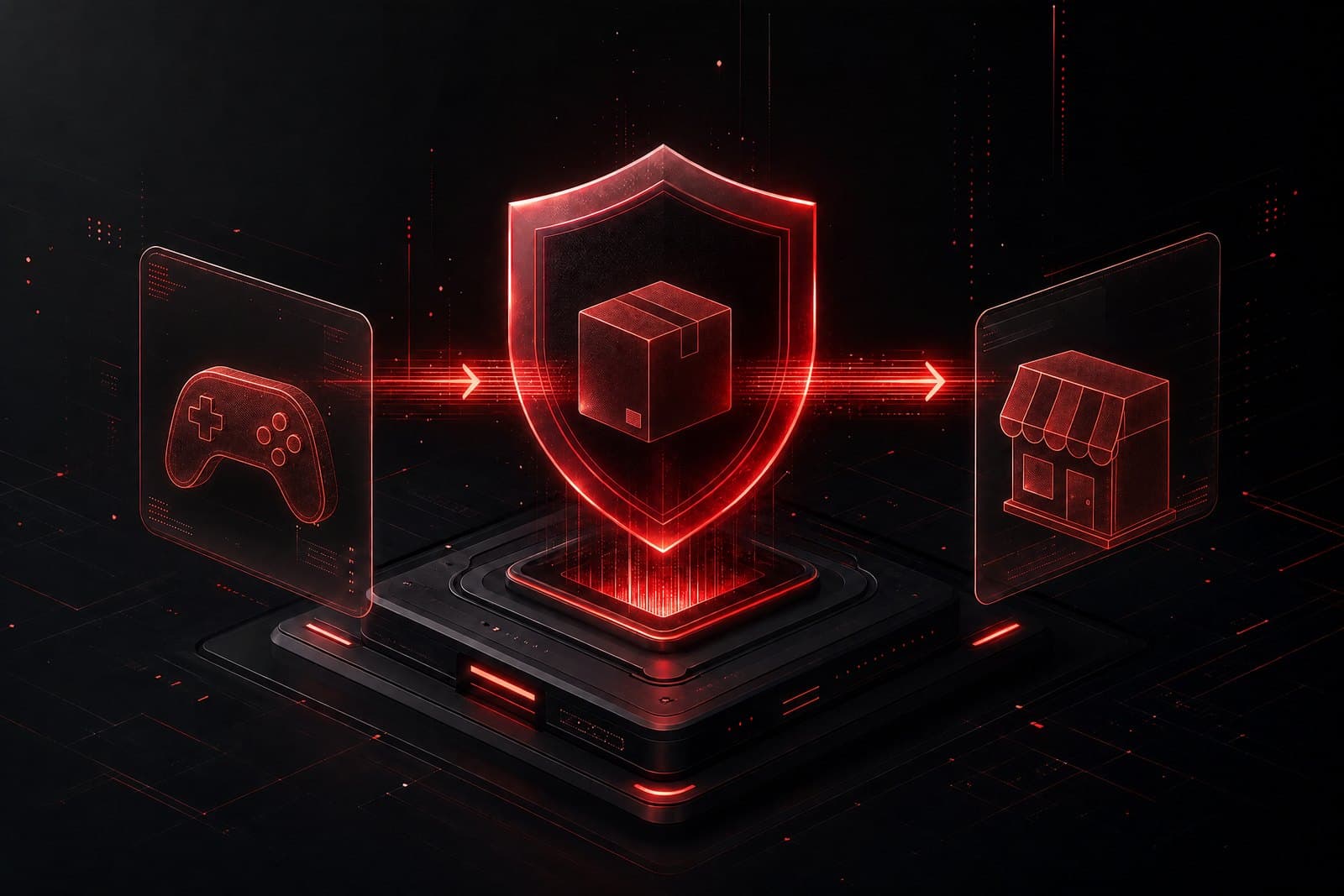
Buying a digital gaming product should feel clear from listing to delivery. DunginX separates payment verification, fulfillment, buyer confirmation, disputes, and seller settlement so you can understand what each state means.
//Start with the listing
Review the seller profile, product description, region, delivery method, quantity rules, and any service inputs. If a listing needs a URL or other custom input, provide only what the seller needs to complete the service. Never provide a password, recovery code, or unrelated credential.
//Check region and quantity
Region is part of the product. Match the listing to the destination account or redemption environment. If wholesale pricing is offered, the lower unit price applies only when your quantity reaches the configured minimum and stays within the maximum. The server validates the final quantity and stores the effective price in the order snapshot.
//Keep the transaction on-platform
Use the DunginX order page and buyer–seller conversation for delivery questions. Do not follow pressure to move payment or communication elsewhere. For more detail, open the DunginX buyer guide or Support Center.
//Review before confirming
Payment may require verification before fulfillment starts. Auto-delivery uses reserved inventory; manual and service products are fulfilled by the seller. Review the secure order page and confirm only when the delivery is correct. If it is missing or invalid, open a dispute instead of confirming.